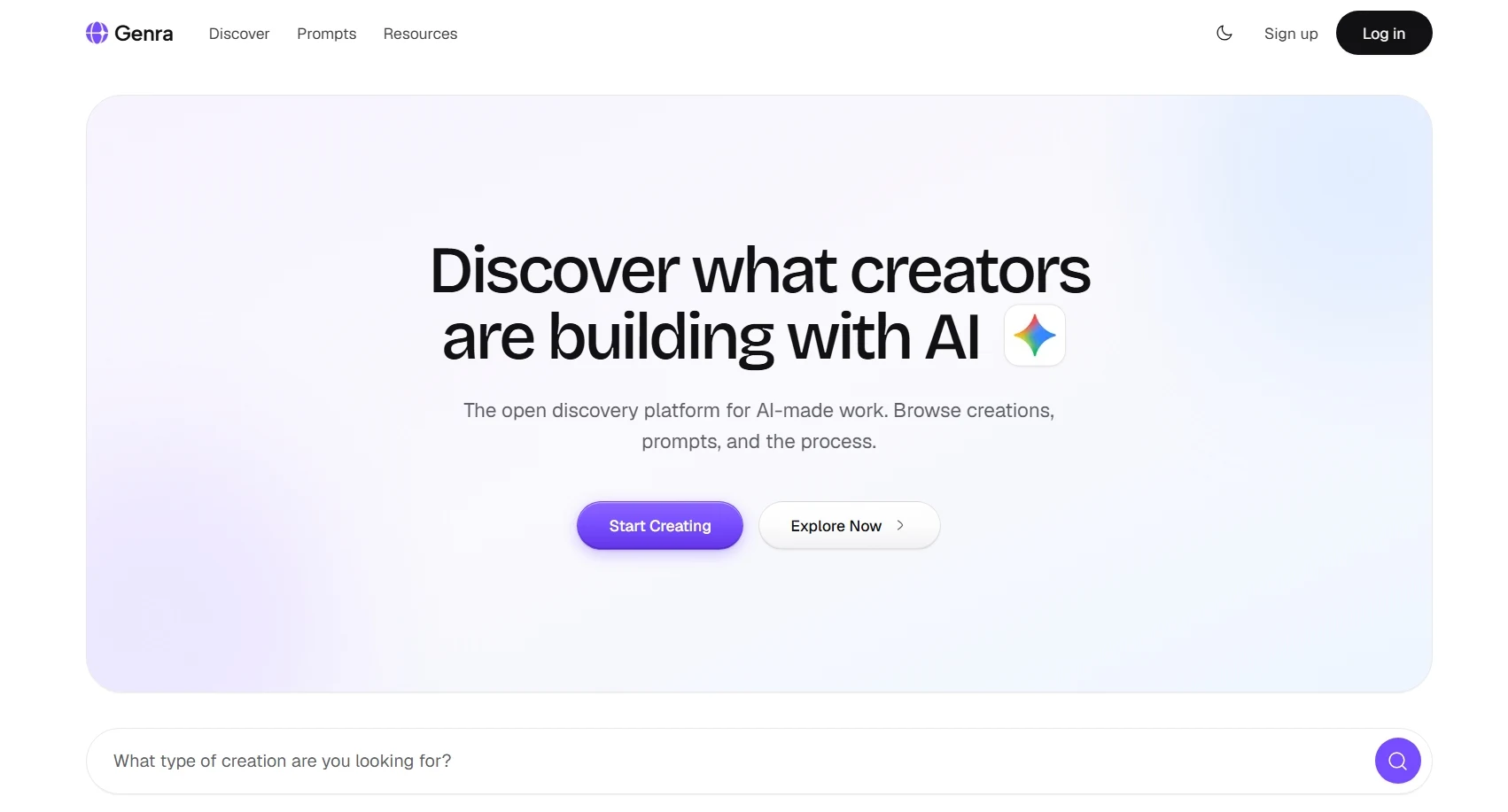
The first creation on Genra is Genra itself.
Hey, explorer. I’m Eniola, the person who built Genra, and this is the first post on the platform.
What is Genra? Genra is a place to share things made with AI, along with how they were made. Every creation can include the prompts, tools, skills and process behind it, so you don’t just see the result, you can see how to get there yourself.
Who is it for? Anyone making things with AI. Developers, designers, writers, students, hobbyists. It isn’t limited to websites or code. If you made something with AI and the way you made it could help someone else, it belongs here. And if you’re here to learn, you can browse, save and take ideas from what others have done.
The idea behind it It started with a Twitter thread about Claude being bad at UI design. People kept posting fully AI-built websites, and the replies were all the same question: what was your process? what tools? what prompts? The answers were scattered across threads and quickly lost. I wanted one place where that knowledge lives with the work, like Dribbble or Mobbin, but for AI creations and the resources behind them.
This is V1 There’s no commenting yet, and there’s more to come. If something breaks, feels off, or you wish it did something it doesn’t, email me at support@genra.dev. Early users shape where this goes.
Now go post something. I’d love to see what you’ve made, and how. 💜
— Eniola
Planned the idea, schema and app flow with Claude Sonnet 5.5. Don't ever one-shot software
Wrote a PRD and broke the build into phases: foundation, auth, authoring, discovery, engagement, sharing, library, hardening
Built each phase with using Google Antigravity on Gemini 3.8 Flash (High Effort), one at a time, reviewing and testing each one myself before moving on
Feed in design references to the agent from Dribble, Behance and Mobbin for the UI design
Shipped to production at genra.dev
Don't worry, full process will be dropping soon. Go make a post with what you've made
Sorry buddy, prompts are coming soon
1. Post a creation and add the prompts, tools or skills you used. Resources are optional, so posting stays quick.
2. Every post has a shareable link. Anyone can view it without an account, and logging in lets you like and save.
3. Save creations to your library and organise them into collections.
4. Sign in with Google or a magic link to your email.
5. Light and dark themes are both supported.
Anti Slop UI/UX design skill for AI agents
The Frontend Design skill from Anthropic for bold, intentional design decisions
The main skill that consists of mostly animation, but also some design advice.
